
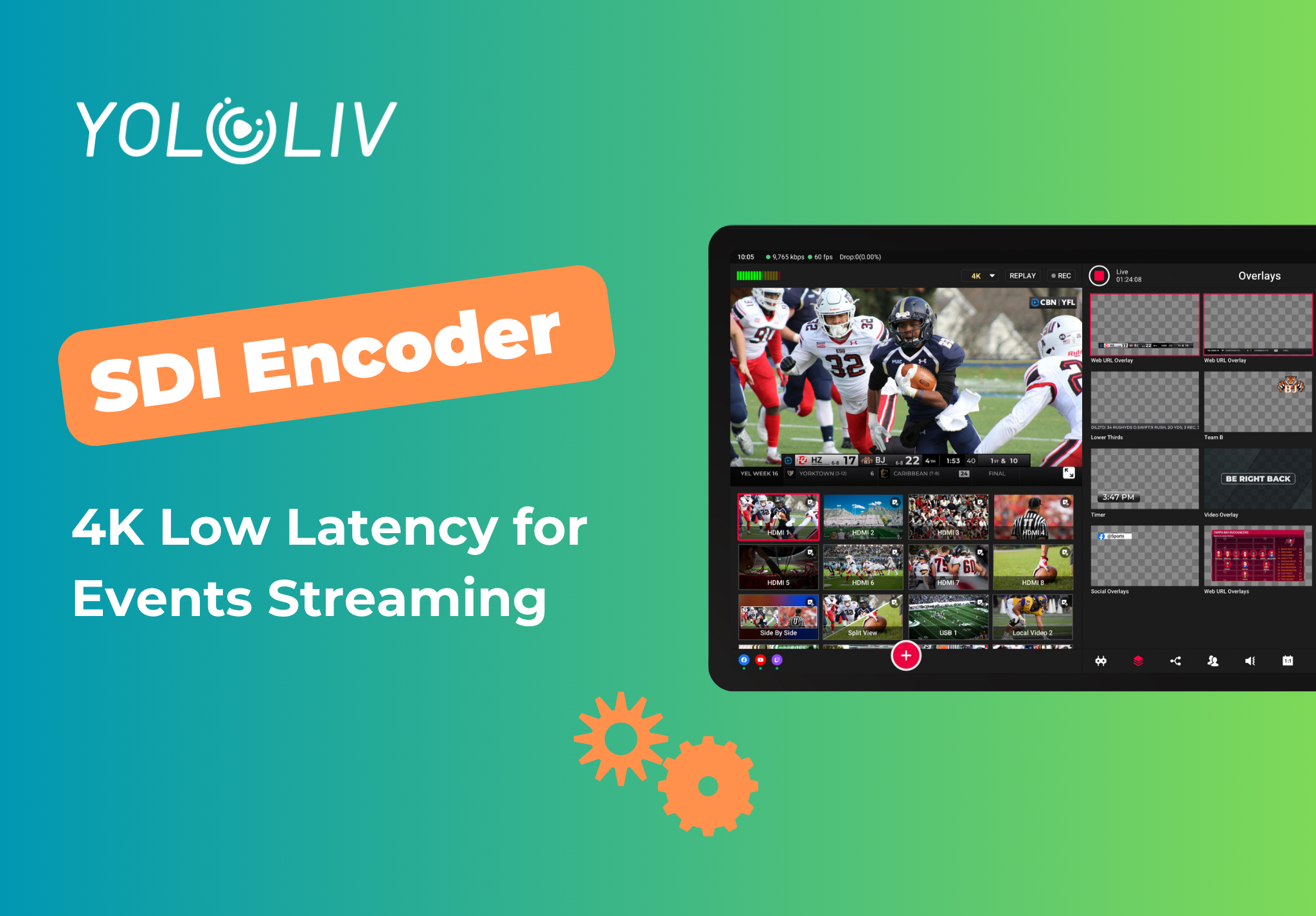
An SDI encoder 4K low latency for events streaming is a hardware device that accepts SDI camera signals, compresses the video with H.264 or H.265, and delivers a live stream over SRT or RTMP with under 500 milliseconds of delay. If you are producing a concert, a sports match, a corporate conference, or any live multi-camera production, your encoder determines the quality and reliability of everything your audience sees. The wrong unit means dropped frames, audio drift, and a stream that cuts out at the worst possible moment.
This guide covers every specification that matters, compares the top units on the market in 2025, and walks through a complete field setup process you can follow on your next event. Whether you are shopping for your first encoder or replacing a unit that has been letting you down, this breakdown will help you make the right call.
Why Low Latency Matters for Live Events
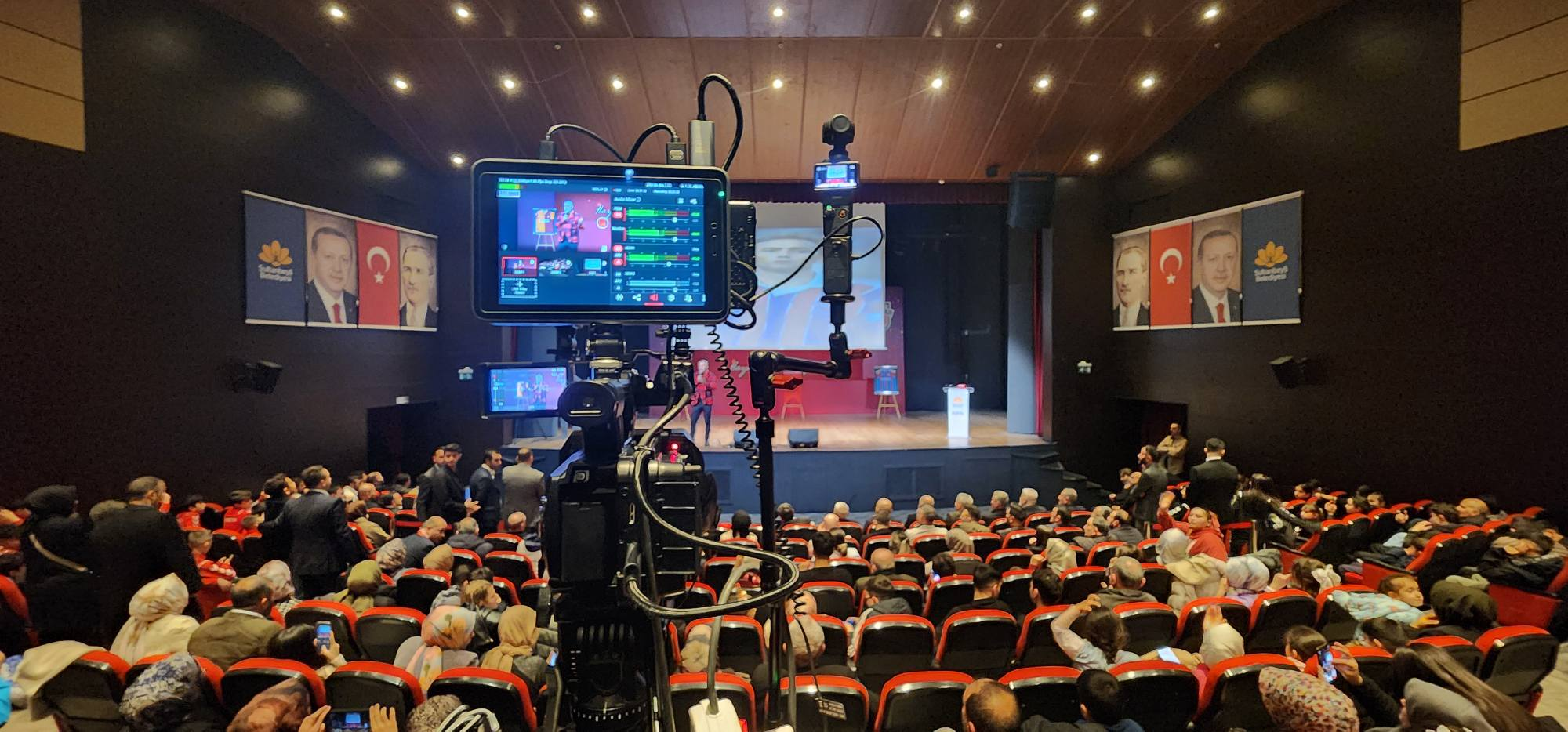
At a live event, your production crew monitors the stream and makes real-time decisions: camera cuts, graphics triggers, audio adjustments. High latency means what you see on your monitor is seconds behind what’s happening on stage. For audience Q&A or sports play-by-play, latency above 1 second creates a disjointed experience for both crew and viewers.
Latency is not just a technical number on a spec sheet. In a live event environment, it has direct production consequences that affect your crew, your talent, and your online audience.
When your stream runs 10 to 20 seconds behind real time, directors on site cannot monitor what viewers are actually seeing. Audience comments and social reactions arrive out of sync with what is happening on stage. For sports, a 30-second delay means spectators in the crowd can spoil the final score for online viewers before the decisive play even appears on the stream.
Industry target latency thresholds for an SDI encoder 4K low latency for events streaming setup:
- Under 500ms: Industry standard for professional broadcast. Meets all live event production requirements.
- Under 200ms: Ultra-low latency. Required for interactive formats such as live auctions, bidding events, or remote two-way interviews where talent must respond to viewer input in real time.
- 1 to 5 seconds: Acceptable for studio-based productions. Too slow for on-location events where the production team needs real-time monitoring of the outgoing stream.
- Over 10 seconds: Typical of adaptive HLS delivery to large CDN networks. Avoid entirely for any production requiring live feedback or audience interaction.
According to the SMPTE broadcast standards framework, professional live production requires glass-to-glass latency under 1 second for operationally practical workflows. Sub-500ms is the working target for modern hardware encoders used on location.
SDI vs HDMI: Which Input Should You Use for Events
For outdoor or large-venue events, SDI. The BNC connector locks in place, SDI cables run up to 100 meters without a signal booster, and the standard is designed for broadcast-grade reliability. HDMI works for shorter cable runs in controlled indoor environments but is more susceptible to connector failure and signal loss over distances above 10 meters.
Most professional broadcast cameras provide both SDI and HDMI outputs. The connection type you choose affects cable run distance, signal stability under field conditions, and how your crew can physically manage the production floor.
Why SDI Wins at Live Events
- Cable run distance: SDI carries a clean signal up to 100 meters on standard coaxial cable without active repeaters. HDMI begins to degrade reliably beyond 5 to 10 meters.
- Locking connector: The BNC connector on SDI cables locks in place. HDMI connectors can pull free from foot traffic or cable tension mid-show without warning.
- Embedded audio: SDI carries balanced audio natively without adapters or breakout boxes, simplifying your audio routing considerably.
- Professional standard: Broadcast venues and rental houses stock SDI as their default. You will always find the cable and equipment you need on site.
When HDMI Works
For compact setups under 5 meters, HDMI from mirrorless cameras or DSLRs performs reliably. For most events at scale, SDI is the right choice. Read the full breakdown of HDMI, SDI, and NDI on the YoloLiv blog before finalizing your input setup.
Key Specs for a 4K SDI Low Latency Encoder
Focus on four specs: latency under 500ms at your target resolution, H.265 support for 4K without excessive bitrate, SRT output for reliable delivery over unpredictable event-venue internet, and network bonding or dual-NIC for redundancy. ISO recording is a strong bonus for post-event editing of individual camera feeds.
Here is what separates a capable field encoder from a unit that will struggle on a real event site.
Codec: H.264 vs H.265
H.265 (HEVC) delivers equivalent visual quality to H.264 at roughly half the bitrate. For 4K streaming at 60fps over a bonded cellular uplink, H.265 keeps bandwidth requirements manageable on any connection. Most major CDNs and streaming platforms now accept H.265 ingest. Choose H.265 whenever your destination supports it.
Streaming Protocol: SRT Is the Standard
SRT (Secure Reliable Transport) uses forward error correction to recover lost packets before they affect the viewer. On the congested networks typical of large-venue Wi-Fi and shared 4G towers, SRT maintains stream quality where RTMP would drop frames or disconnect entirely. Wowza’s SRT documentation covers the ARQ (Automatic Repeat reQuest) mechanism in detail. For a full protocol comparison, read our RTMP vs SRT guide.
Network Redundancy
Event venues have unpredictable Wi-Fi and variable cellular coverage. Encoders with network bonding aggregate multiple connections (Wi-Fi, 4G, 5G, Ethernet) into one resilient uplink. If a single connection drops, the others carry the load with no visible interruption to viewers.
Input Count and Built-In Switching
For multi-camera productions, look for at least 2 to 4 SDI inputs plus HDMI. An encoder with a built-in video switcher eliminates a separate production console, reduces the total gear weight, and cuts setup time significantly in the field.
ISO Recording
ISO recording saves each camera feed independently as its own file. This is essential for post-event editing: sponsor clips, highlight reels, and conference archives all require clean individual camera recordings. Always verify ISO support before booking an encoder for a sports or conference production.
Top SDI 4K Low Latency Encoders for Events Streaming: Compared
| Encoder | Video Inputs | Max Resolution | Latency | Protocol | Network Bonding | Price |
|---|---|---|---|---|---|---|
| YoloBox Extreme | 4x HDMI (no SDI) | 4K60 | <500ms | SRT, RTMP | Yes (5G/Wi-Fi/LAN) | $1,949 |
| Teradek Cube 755 | 1x SDI | 1080p60 | <500ms | SRT, RTMP | No | $2,200+ |
| Magewell Ultra Encode SDI | 1x SDI | 4K30 | <1s | SRT, RTMP, HLS | No | $1,300+ |
| Datavideo NVS-35 | 1x SDI | 1080p60 | 1-3s | RTMP only | No | $599 |
| Haivision Makito X | 4x SDI | 1080p60 | <500ms | SRT, RTSP | No | $5,000+ |
If your cameras use HDMI outputs, the YoloBox Extreme is a strong all-in-one alternative to a dedicated SDI encoder. It handles 4K60 encoding, multi-camera switching, ISO recording, and network bonding in one battery-powered device, at a price where competing SDI-only units require a separate laptop, switcher, and cellular modem to reach the same capability.
Step-by-Step: Setting Up Your SDI Encoder for Live Events
Step 1: Run Your SDI Cables
Connect SDI cables from each camera to your encoder inputs using locking BNC connectors. Secure all cable runs with gaffer tape or cable ties before doors open to the audience. For cameras positioned more than 30 meters away, use an active SDI extender to maintain full signal integrity across the longer run.
Step 2: Configure Network Bonding
Insert 4G and 5G SIM cards into your encoder, connect to venue Wi-Fi, and attach an Ethernet cable at the encoder position. Enable network bonding to aggregate all active connections into a single resilient uplink. This one step has the largest single impact on stream stability at any live venue.
Step 3: Set Your Encoding Profile
Choose H.265 at 4K if your streaming destination supports it. For broader platform compatibility, select H.264 at 1080p60. Set bitrate between 6 and 15 Mbps based on the motion level of your content and the total upload bandwidth your bonded connection reports.
Step 4: Configure SRT Output
Enter your CDN or platform ingest URL as the SRT destination. Set the SRT latency parameter between 120 and 250ms based on your geographic distance to the ingest server. For venues with significant RF congestion from large crowds, increase to 300ms for a more robust packet recovery buffer.
Step 5: Run a Full Pre-Show Test
Start a test stream at least 30 minutes before the event opens. Verify audio sync, monitor bitrate graphs, and confirm the live feed arrives cleanly at every destination. For multistreaming to multiple platforms, check each destination individually. Resolve any issues before the audience fills the seats.
Step 6: Activate ISO Recording
Insert a fast SSD and enable ISO recording before the event starts. Assign each SDI input to its own recording track. Clean, individual camera files make post-production editing fast and remove the need for a dedicated recording technician on the production floor.
YoloBox Extreme: HDMI-Based Alternative for Live Event Production
The YoloBox Extreme is designed for the demanding, mobile, multi-camera live workflows described throughout this guide. It accepts multiple HDMI inputs, encodes up to 4K at 60fps, and delivers over SRT, RTMP, and RTSP. If your cameras use HDMI rather than SDI, the Extreme gives you full broadcast-grade performance: a 10-hour built-in battery, network bonding across 5G, Wi-Fi, and Ethernet, and no need for a separate laptop or switcher.
For live sports streaming, the YoloBox Extreme adds multicam instant replay and real-time scoreboard overlays. For corporate and conference productions, it handles teleprompter feeds, presentation captures, and simultaneous delivery to multiple platforms. Everything a broadcast director needs fits in one carry-on bag. Explore the full hardware range at yololiv.com/hardware.
Frequently Asked Questions
What is the best SDI encoder for live events in 2025?
For pure SDI, the Magewell Ultra Encode SDI and Haivision Makito X are purpose-built options at different price points. If your cameras use HDMI, the YoloBox Extreme delivers an all-in-one alternative: 4K60 encoding, SRT and RTMP output, network bonding, ISO recording, and a built-in switcher in one portable unit under $2,000.
What latency should I expect from a 4K SDI encoder?
Most professional hardware SDI encoders achieve under 500 milliseconds of glass-to-glass latency over SRT. Software-based encoders on a laptop typically run 1 to 5 seconds behind. For live events where real-time monitoring and production control matter, always choose a hardware encoder rated for sub-500ms latency.
Is SRT better than RTMP for live event streaming?
Yes. Event venues have crowded Wi-Fi and variable cellular signal. SRT uses forward error correction to recover lost packets and maintains stream quality under those conditions. RTMP has no error recovery mechanism and will drop frames or disconnect on the same congested network. Use SRT whenever your destination platform supports it.
Can I run a 4K SDI encoder without on-site internet?
Yes. Hardware encoders including the YoloBox Extreme can switch and record locally without any internet connection. Internet is only required when delivering to an external streaming platform. For venues without reliable Wi-Fi, bring dedicated 4G or 5G SIM cards and use network bonding to aggregate multiple cellular connections into a stable uplink.
How many SDI inputs do I need for a live event encoder?
Two to four SDI inputs cover most live event production needs: a wide shot, a close-up, and one or two additional coverage angles. Dedicated SDI encoders from Magewell or Haivision offer 1 to 4 SDI inputs. The YoloBox Extreme uses HDMI inputs and supports up to 17 total video sources, including graphics, picture-in-picture overlays, and remote NDI feeds, making it the right choice when your cameras offer HDMI output.
TL;DR: An SDI encoder 4K low latency for events streaming converts SDI camera signals into compressed streams for live broadcast. For live events, latency under 1 second matters because directors need to cut between cameras in real time. Look for H.264/H.265 support, SRT output, and redundant network connections. Professional-grade units with true low-latency SDI input start around $500 and scale to $3,000 for broadcast-quality production.
1,669 total views, 3 views today

Betty,As a Customer Success Specialist at YoloLiv, she is passionate about helping users understand YoloCast’s features and resolve day-to-day usage challenges. In addition to hands-on support, she creates practical articles that share tips, troubleshooting guidance, and best practices to help users get more value from YoloCast.
