

Finding the best live streaming platform with AI subtitles captions built in is now one of the most critical decisions any broadcaster faces in 2026. Furthermore, accessibility regulations and audience expectations continue to rise, making real-time captions no longer optional for professional streams. Whether you run a church service, a school graduation, or a corporate town hall, your viewers increasingly expect captions to appear automatically. — not as an afterthought add-on that requires a separate tool and extra budget. In this guide, we compare the top platforms and reveal exactly which ones include AI captions natively. . which ones leave you hunting for workarounds.
Why Built-In AI Captions Matter More Than Add-On Tools
Many broadcasters assume they can simply bolt a third-party captioning service onto any platform. However, the reality is more complicated. Add-on tools typically introduce 5–15 seconds of additional latency. . This is because the audio signal must travel to an external transcription server and return before it appears on screen. Additionally, separate captioning services add cost — often $30–$100 per month on top of your streaming subscription. When a platform has AI subtitles built in, the speech recognition runs within the same infrastructure. . This keeps latency minimal and the workflow simple.
Moreover, built-in captions synchronize directly with the stream encoder, so you never encounter the drifting timestamps that plague external tools. For schools streaming graduation ceremonies, churches broadcasting Sunday services, and corporations hosting investor calls, caption accuracy and timing are non-negotiable. Therefore, selecting a live streaming platform with AI subtitles captions built in is the smarter long-term investment compared to stitching together multiple services. In fact, the W3C Web Accessibility Initiative guidelines explicitly recommend synchronized captions for all live video content, underscoring why this matters.
How AI Live Subtitles Work in a Live Streaming Platform
Understanding the technology behind real-time captions helps you evaluate platform claims more critically. Notably, not every platform that advertises “AI captions” uses the same underlying approach. . the differences directly affect accuracy, latency, and language support. In other words, the label “AI captions” covers a wide range of implementations — from excellent to barely functional.
Real-Time Speech Recognition
Built-in AI captions rely on automatic speech recognition (ASR) models that process audio continuously during your broadcast. When you go live, the platform’s encoder captures the audio track and sends it simultaneously to the video distribution network and the ASR engine. The engine transcribes speech in near real-time, typically within 1–3 seconds. . the resulting caption text overlays the video stream before it reaches viewers. Consequently, viewers on any device — phones, tablets, smart TVs — see captions without needing to enable a separate accessibility player or extension. Furthermore, this approach eliminates the need for post-production captioning on recorded replays. . This is because the live transcript is already attached to the stream data.
Multi-Language Support
Modern AI captioning systems increasingly support multiple languages, making them valuable for global audiences and multilingual communities. For instance, a church with Spanish-speaking congregants can stream with Spanish captions enabled, broadening participation without hiring a human interpreter. Similarly, corporate webinars with international attendees benefit from native-language captions. When you evaluate platforms, specifically check which languages their AI subtitle engine supports. . This is because some systems only cover English while marketing themselves broadly as “multi-language.” According to the National Association of the Deaf, real-time captioning accuracy must reach at least 98% to qualify as effective access. . As a result, language depth and ASR quality both matter greatly.
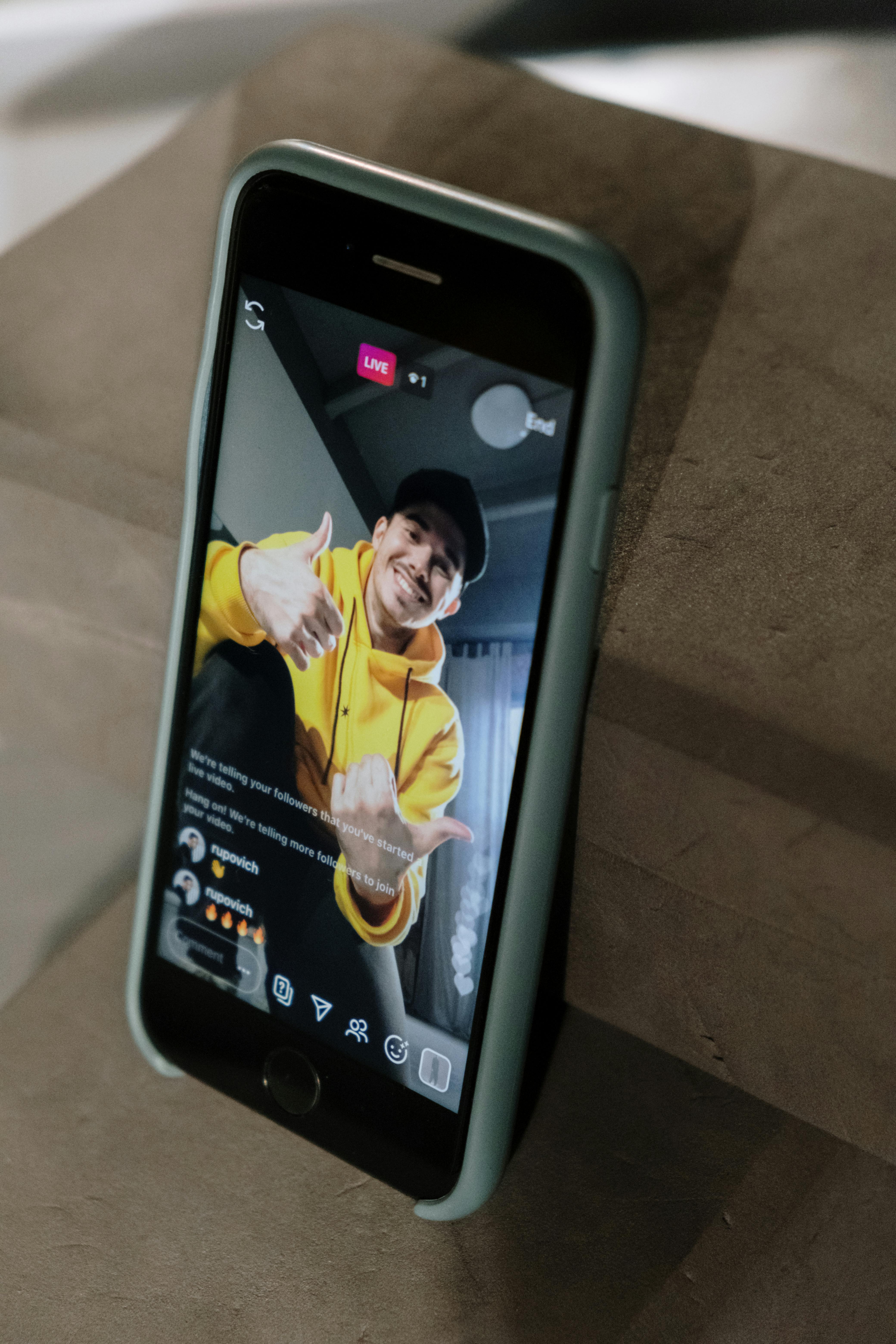
Which Live Streaming Platforms Have AI Subtitles and Captions Built In? (2026 Comparison)
The comparison below covers the most commonly used platforms as of 2026. Specifically, we evaluated whether AI captions are truly part of the streaming platform itself or require a third-party integration. . This plan tier includes them. . whether the feature works for simultaneous multi-destination streams. Above all, we focused on whether captions work without requiring the broadcaster to manage a second subscription or technical integration.
| Platform | AI Captions Built In? | Plan Required | Monthly Cost | Languages |
|---|---|---|---|---|
| YoloCast | Yes — native AI Live Subtitles | Business | $99/mo (annual) | Multiple (ASR-based) |
| Zoom Webinars | Yes — Zoom AI Companion | Webinar add-on plans | $149+/mo | English + limited |
| StreamYard | No — requires third-party integration | N/A | $49–$99/mo + caption tool | Varies by tool |
| Vimeo Livestream | No — manual/upload only | N/A | $75+/mo + caption tool | Manual upload only |
As the table shows, YoloCast stands out as the strongest purpose-built live streaming platform with AI subtitles captions built in for broadcasters who need simultaneous multi-destination streaming combined with native captions. StreamYard and Vimeo require additional tools, which increases both complexity and monthly costs considerably.
YoloCast AI Live Subtitles: What’s Actually Included
YoloCast is the cloud-based live streaming platform developed by YoloLiv, designed specifically for organizations that need reliable, professional-grade broadcasts without a dedicated engineering team. Importantly, the AI Live Subtitles feature is a core part of the platform — not a beta add-on. — and it works across all the destinations you stream to simultaneously. In addition, YoloCast operates on a month-to-month basis with no annual contract required. . This gives you full flexibility to scale up or down as your streaming needs change.
Which YoloCast Plan Includes AI Subtitles
AI Live Subtitles appear in the Business plan, priced at $99 per month on annual billing or $119 per month on a month-to-month basis. The Business plan also includes website embedding with a white-label player, 30 simultaneous streaming destinations, 2,048 GB of monthly bandwidth, 500 GB of storage, up to 5 concurrent events, and unlimited concurrent viewers. Additionally, the Business plan includes the Ardent Streaming Protocol (ASP). . This protects stream quality on unstable networks — a particularly valuable combination when captions depend on consistent audio-to-text processing.
For organizations on a tighter budget, the Exclusive plan at $39/month (annual) includes website embedding but does not include AI subtitles. Therefore, if captions are a firm requirement, the Business plan is the appropriate tier. You can explore all plan details at YoloCast’s plan comparison page.
How to Enable AI Subtitles on YoloCast
Enabling AI subtitles in YoloCast is straightforward. First, log into your YoloCast Business dashboard and create or open a live event. Next, navigate to the event settings and locate the AI Subtitles toggle under the Accessibility section. Then enable the feature and select your preferred language. Finally, when you go live, captions will automatically appear for viewers watching through the embedded player and any connected destination platforms that support caption overlays. Because the processing happens within YoloCast’s infrastructure, no external accounts or API keys are required at any point.
Accuracy and Supported Languages
YoloCast’s AI subtitle engine uses automatic speech recognition technology to deliver real-time captions. In practice, accuracy depends on audio quality, speaker clarity, and background noise levels — as holds true with any ASR system. Consequently, using a directional microphone and minimizing ambient noise will produce the best caption results. For the most current list of supported languages, check the YoloCast feature overview page, as the team regularly expands language support.

Use Cases: Who Needs Built-In AI Captions on Their Live Stream
Built-in AI subtitles are not just a nice-to-have feature. For many organizations, they represent a legal and ethical necessity. Indeed, accessibility compliance requirements continue to expand globally, affecting schools, nonprofits, and corporations alike. Here are the primary audiences who benefit most from choosing a live streaming platform with AI subtitles captions built in.
Churches and Religious Services
For churches and religious organizations, live captions serve congregants who are deaf or hard of hearing, elderly members who struggle to follow audio in a streaming environment. . international viewers who speak English as a second language. Furthermore, many denominations now stream services globally, making multi-language caption support especially valuable. YoloCast’s combination of AI subtitles, website embed, and multi-destination streaming makes it a strong fit for faith communities. You can also read our detailed guide on BoxCast alternatives for small churches to compare platforms specifically for religious use cases.
Schools and Educational Events
Schools streaming graduation ceremonies, performances, and board meetings face specific accessibility obligations under disability regulations in many regions. In addition, students with hearing impairments must participate equally in live-streamed educational events. By choosing a platform with built-in captions, schools avoid the complexity of managing a separate captioning vendor for each event. Our guide on live streaming platforms for school events and performances covers this in more detail.
Corporate Webinars and Town Halls
Corporate communications teams increasingly need accessible webinars and internal town halls to comply with workplace accessibility policies. Moreover, captions improve comprehension for non-native speakers attending international company events. For businesses already using YoloCast for B2B live streaming. . This enables AI subtitles on the Business plan requires no additional tools or budget beyond the subscription. See our complete guide to B2B live streaming for businesses for a broader look at enterprise streaming strategy.
How to Set Up AI Subtitles on Your Live Stream: Step-by-Step
Follow these steps to get AI captions running on your YoloCast Business plan stream. This process takes about five minutes before your first broadcast. Notably, you can complete the entire setup from any browser without downloading software. Overall, the workflow is simpler than most competing platforms, because everything lives inside a single dashboard.
- Subscribe to the YoloCast Business plan at yololiv.com/yolocast-overview. A 14-day free trial is available with no credit card required, so you can test captions before committing.
- Create a new live event in your YoloCast dashboard. Add your event title, scheduled date, and description so viewers know what to expect.
- Open event settings and navigate to the Accessibility section. Toggle AI Live Subtitles to enabled, then select your preferred language from the dropdown menu.
- Connect your streaming destinations — YouTube, Facebook, your website embed, and any other platforms you multistream to simultaneously. YoloCast Business supports up to 30 simultaneous destinations, which is substantially more than most competitors offer.
- Configure your encoder (OBS, vMix, or a YoloBox hardware device) using the RTMP or SRT credentials provided in your event dashboard.
- Run a test stream before your event date to verify that captions appear correctly and that audio quality meets the ASR engine’s requirements.
- Go live on event day. Captions activate automatically as soon as your stream begins, requiring no additional action from the broadcast team.
For troubleshooting or advanced configuration, the YoloCast feature overview page provides full documentation for each setup step. Additionally, YoloCast offers 24/7 customer support for Business plan subscribers, so help is always available during live events. As a result, even first-time broadcasters can go live with professional-quality AI captions on their first attempt.
Frequently Asked Questions: Live Streaming Platforms with AI Subtitles Captions Built In
Does YoloCast include AI subtitles on all plans?
No. AI Live Subtitles are included on the Business plan ($99/month on annual billing). The Starter, Exclusive, and Professional plans do not include this feature. However, those plans do include website embedding starting from the Exclusive tier at $39/month.
Can I add captions to a stream going to YouTube and my website at the same time?
Yes. Because YoloCast generates AI subtitles within the platform before distribution, the captions apply across all destinations you multistream to simultaneously — including YouTube, Facebook. . your embedded website player. This is one of the key advantages of choosing a platform with captions built in rather than adding them externally.
What is the latency of YoloCast’s AI live captions?
YoloCast’s AI subtitles generate in near real-time as part of the streaming infrastructure. Because the captioning runs within the same system as the stream delivery. — rather than routing through a separate external service — the latency is significantly lower than third-party add-on captioning tools. . This typically add 5–15 seconds of delay.
Does StreamYard have built-in AI captions?
StreamYard does not include native AI captions as of 2026. You would need to integrate a third-party closed captioning tool, which adds both cost and complexity to your production workflow. In contrast, YoloCast includes captions natively on the Business plan with no extra services needed.
Are AI-generated live captions accurate enough for professional events?
Modern ASR-based live captions achieve high accuracy in controlled audio environments. Specifically, using a quality directional microphone, minimizing background noise, and speaking at a clear pace significantly improves output. For events where 100% accuracy is critical — such as legal proceedings — a human captioner remains the gold standard. However, for most educational, religious, and corporate events, AI captions provide excellent accessibility value at a fraction of the cost.
Is there a free trial for YoloCast with AI subtitles?
Yes. YoloCast offers a 14-day free trial with no credit card required. The trial gives you access to Business plan features, including AI Live Subtitles. . As a result, you can test the caption quality before committing to a paid plan. Start your trial at yololiv.com/yolocast-overview.
Ready to add professional AI captions to your live streams? Start your free YoloCast trial today and see why schools, churches. . businesses choose it as the most complete live streaming platform with AI subtitles captions built in available in 2026.
1,951 total views, 3 views today

Betty,As a Customer Success Specialist at YoloLiv, she is passionate about helping users understand YoloCast’s features and resolve day-to-day usage challenges. In addition to hands-on support, she creates practical articles that share tips, troubleshooting guidance, and best practices to help users get more value from YoloCast.
