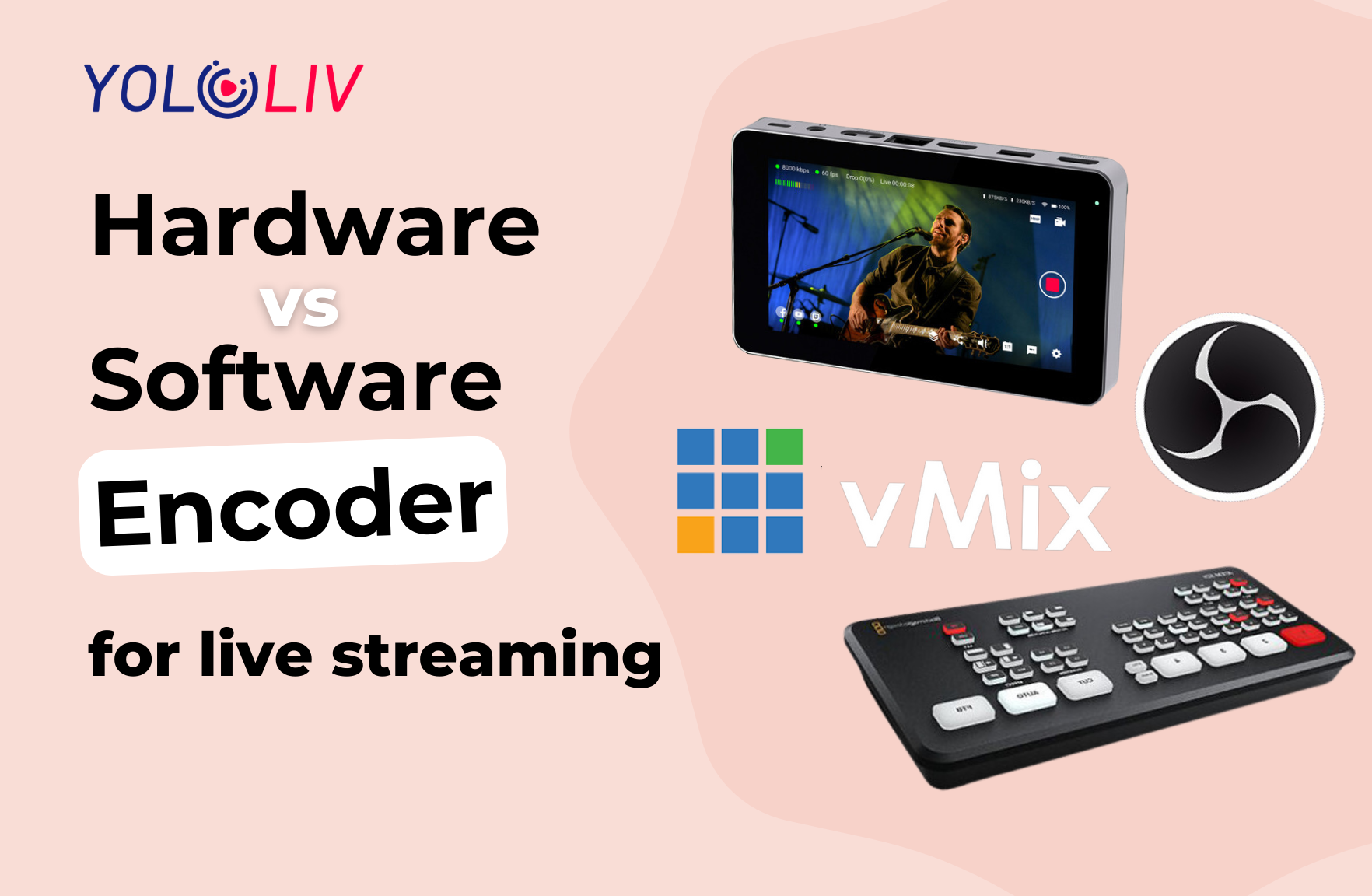
Streaming setups consist of various components, all of which are crucial. However, the streaming encoder is particularly important. In fact, without it, you won’t be able to stream anywhere.
In this blog, we will discuss the strengths and weaknesses of streaming encoders. Let’s find out which streaming encoder works best with your live streaming plan.
What is a video encoder?
A video encoder is a device that converts a raw video file, such as a digital video camera recording, into a compressed digital format. While maintaining high quality, video encoding minimizes the size of the video file. This is critical for a variety of applications, including live streaming and online conferencing.
Common video encoding formats include H.264, MPEG-2, and HEVC (High Efficiency Video Coding), which are widely used for different applications and devices.
Usually, video encoders fall into two types: software encoder and hardware encoder. So, what’s the difference between the two? How do they work? Let’s take a closer look!
Software encoder
A software encoder runs on a computer or mobile device and uses software to encode a video file. With greater flexibility and versatility, it can be used on any device with sufficient processing power and memory. Capturing your audio and video inputs, then deliver them to platforms like YouTube, Facebook, and Twitch.
There are many software encoders available, ranging from basic tools for home users to professional applications used by media companies. Here’re some examples of popular software encoders include OBS Studio, vMix, and Wirecast.
OBS Studio: A free and open-source software encoder used for live streaming and recording.
vMix: A professional video production software that offers a wide range of features for live streaming, recording, and editing video content.
Wirecast: A professional encoder used for live streaming and production. It has multiple features such as multi-camera switching, graphics overlays, and scoreboards.
Hardware encoder
A hardware encoder uses dedicated chips or processors to perform the encoding, as an independent device. It’s often used in professional settings, such as live streaming and broadcasting. You can directly connect multiple cameras to a hardware encoder, and because encoding runs on purpose-built silicon rather than a general-purpose computer, it doesn’t slow down under load or drop frames from background processes.
The YoloBox Extreme is a good example of a modern all-in-one hardware encoder — meaning it bundles encoding with switching, recording, monitoring, and cellular bonding in a single touch-screen device. It can stream in 4K to multiple platforms simultaneously (YouTube, Facebook, and any RTMP/S destination) while recording locally, all from one 8-inch touch-screen interface. With a built-in battery, YoloLiv’s Cellular Bonding technology (combining LTE, WiFi, Ethernet, and USB modems into a single reliable connection), and full 4K throughput on multiple channels, it’s designed to work in the field, not just in a studio.

Which is the best encoder for streaming?
Many people may be wondering “Which is better for my live streaming?” The truth is the two types of encoders are fundamentally different from one another. Each of them has advantages and disadvantages of its own. So, let’s dive into this part.
Pros:
- Cost-effectiveness: Generally less expensive than hardware encoders, and often available as monthly-paid solutions or free (OBS).
- Compatibility: Compatible with a broad range of devices and platforms, making it accessible to large user bases.
- Software updates: Easy to add new features by updating the software.
Cons:
- Quality: May produce lower-quality output than hardware encoders, particularly when encoding at high bitrates or using complex encoding settings.
- Reliability: More prone to errors or crashes than hardware encoders, particularly if the computer running the software is under heavy load or shares workload with other applications.
- Resource-intensive: Requires a powerful computer with plenty of RAM and processing power to achieve optimal performance — especially at 4K.
Pros and cons of hardware encoder
Pros:
- Reliability: You don’t need to worry about laptop crashes, thermal throttling, or losing your stream to a background process.
- Efficiency: Encodes much faster than software encoders on general-purpose CPUs, with consistent performance regardless of what else is happening on the device.
- Quality: Produces higher-quality output at the same bitrate, particularly for demanding workloads like 4K.
- Lower latency: Specifically designed to minimize latency, making it ideal for interactive live streaming and time-sensitive productions.
Cons:
- Upgrade challenges: Upgrading hardware is more difficult than upgrading software. May require firmware updates or replacing the unit.
- Cost: Higher upfront cost, especially for professional-grade models.
- Limited customization: Fewer fine-tuning options than software encoders, though modern devices have narrowed this gap significantly.
The all-in-one alternative: getting the best of both
Given the tradeoffs above, is there a product that combines hardware reliability with software-like flexibility and continuous feature updates? The YoloBox lineup is our answer. Built on dedicated hardware encoding silicon but with a software layer that receives ongoing feature updates, it delivers the reliability of hardware and the evolving capability of software.
Within the lineup, two products stand out for different use cases:
YoloBox Extreme — for professional multi-camera productions
The YoloBox Extreme is our top pick for producers building serious live streaming setups. Its core strengths:
- Ease of use as a core design principle — touch-screen operation means one operator can run productions that traditionally required a full crew.
- Multi-channel 4K throughput — stream 4K to multiple destinations while simultaneously recording multiple 4K feeds (ISO recording per source). Most all-in-one devices claim “4K support” but really mean one channel at a time; the Extreme has real 4K headroom.
- Native multi-destination streaming — push to YouTube, Facebook, Twitch, and custom RTMP/SRT endpoints simultaneously, without a third-party restreaming service.
- Cellular bonding built in — 4G LTE + WiFi + Ethernet + USB modems bonded together for reliable streaming even in challenging network conditions. No subscription service, no separate modem to power.
- 8 HDMI inputs + 6 free NDI inputs — enough capacity for professional multi-camera productions, including church AV setups running ProPresenter through NDI.

The Extreme is designed for horizontal broadcast productions — churches, sports, weddings, corporate events, large productions requiring more than 4 cameras.
YoloBox Ultra — for creators streaming vertically to social platforms
The YoloBox Ultra is the creator-focused sibling to the Extreme. Same touch-screen ease of use, same integrated encoding pipeline, same cellular bonding — at a lower price, with one category-defining feature:

Native vertical mode — directly stream vertically to Instagram Live, TikTok Live, YouTube Shorts, and Facebook Reels from a multi-camera setup, without a computer or third-party crop tool. Most streaming encoders on the market are horizontal-only, which means creators streaming to vertical-first platforms have to work around the entire production stack. Ultra handles it natively.
Combined with comprehensive support for SRT, RTMP, and HLS protocols, the Ultra lets creators effortlessly stream to any destination — whether horizontal (YouTube Live, Facebook, Twitch) or vertical (Instagram Live, TikTok Live, Shorts, Reels).


Common to both: workflow features that matter in real productions
Both the Extreme and Ultra include workflow features designed around real production needs, not spec-sheet checkboxes:
- Guest invitation for up to 5 remote participants — co-hosts, interviewees, or speakers can join instantly without creating an account or downloading an app.
- Live comments overlay — display audience comments directly during the live broadcast, turning your stream into a genuinely interactive experience.
- H.265 (HEVC) encoding support — delivers exceptionally clear video while using less bandwidth than H.264, which matters for 4K and cellular streaming.
- SRT protocol support — professional-grade contribution feeds with automatic error correction, ideal for streaming over lossy networks.
Choosing between Extreme, Ultra, and other options
The right choice depends on your production reality:
- Choose YoloBox Extreme if you produce horizontal multi-camera broadcasts (church, sports, weddings, corporate events), need multi-channel 4K throughput, or run 5+ cameras.
- Choose YoloBox Ultra if you stream to Instagram Live, TikTok Live, YouTube Shorts, or Facebook Reels — vertical mode is Ultra-only. Also right for solo creators and 4-camera productions with single-channel 4K needs.
- Stay with software encoding if you have a dedicated production PC, produce studio-based content, and prioritize the flexibility and community depth of OBS or vMix.
- Use a dedicated hardware encoder (Teradek, LiveU, others) if you’re doing broadcast contribution work with existing infrastructure, and only need the encoding function rather than a full production hub.
Conclusion
Software encoders work well for low-stress productions on capable computers with stable environments. For professional live streaming — multi-hour productions, mobile events, paid client work, and any setup where a mid-stream crash isn’t acceptable — hardware encoding is the more reliable path.
Within the hardware encoder category, all-in-one devices like the YoloBox Extreme and Ultra combine the reliability of dedicated silicon with the workflow simplicity of an integrated production hub. Whether you’re producing horizontal broadcasts or vertical creator content, there’s a purpose-fit YoloBox for your production reality.
Explore the YoloBox Extreme →
Explore the YoloBox Ultra →
For more information and product tutorials, please check our official YouTube channel. Also, don’t forget to subscribe to our Facebook and Instagram for the latest setup inspirations and customer experiences.
Frequently Asked Questions
What’s the difference between a hardware encoder and a software encoder?
A hardware encoder uses dedicated compression silicon in a purpose-built device. A software encoder uses a general-purpose computer’s CPU or GPU to compress video. Hardware encoders are more reliable under sustained load and mobile conditions; software encoders offer more flexibility and lower entry cost on existing computer hardware.
Do I need a hardware encoder to live stream?
Not always. If your streams run reliably on software (OBS, vMix) on a capable computer, hardware isn’t required. Hardware becomes necessary when reliability matters — paid productions, multi-hour events, mobile setups, or streams where a mid-stream crash isn’t acceptable.
Which is better for 4K live streaming — hardware or software encoder?
For 4K, hardware encoding pulls ahead more decisively than at 1080p. Compression compute is roughly 4x heavier at 4K, and software encoders on marginal hardware drop frames or thermal-throttle over multi-hour productions. All-in-one devices like YoloBox Extreme with dedicated 4K silicon handle this reliably.
Can I stream vertically to Instagram Live or TikTok Live with a hardware encoder?
Most hardware encoders are horizontal-only. YoloBox Ultra has native vertical mode built into the touch-screen workflow, letting you stream vertically to Instagram Live, TikTok Live, YouTube Shorts, and Facebook Reels directly from a multi-camera setup — without a computer or third-party crop tool.
What’s the difference between YoloBox Extreme and YoloBox Ultra?
Both share the core YoloBox workflow (touch-screen ease of use, 4K encoding, cellular bonding, multi-destination streaming). The Extreme is the pick for professional multi-camera horizontal productions requiring multi-channel 4K throughput and 5+ camera capacity. The Ultra is the pick for creators streaming to vertical platforms (Instagram, TikTok, Shorts, Reels) — native vertical mode is Ultra-only.
Do YoloBox devices support SRT streaming?
Yes, both YoloBox Extreme and YoloBox Ultra support SRT (Secure Reliable Transport) protocol natively, alongside RTMP/RTMPS and HLS. SRT is preferred for professional contribution feeds and streaming over lossy networks like cellular.

Meredith, the Marketing Manager at YoloLiv. After getting her bachelor’s degree, she explores her whole passion for YoloBox and Pro. Also, she contributed blog posts on how to enhance live streaming experiences, how to get started with live streaming, and many more.