

Understanding the difference between live vs simulive streaming is one of the most important decisions any broadcaster, educator, or business makes before investing in streaming infrastructure. Live streaming means your audience watches an event unfold in real time, with all the spontaneity and unpredictability that entails. Simulive streaming — also called simulated live — means you broadcast a pre-recorded video to your audience at a scheduled time, creating the experience and engagement benefits of a live event while delivering the quality and control of a produced recording. Both approaches are powerful, but they serve fundamentally different goals. This complete live vs simulive streaming comparison guide explains exactly what each method does. Whether you are deciding between live vs simulive streaming for a single event or building an entire content calendar, when to use which, and how platforms like YoloCast support both within a single streaming workflow.
What Is Live Streaming?
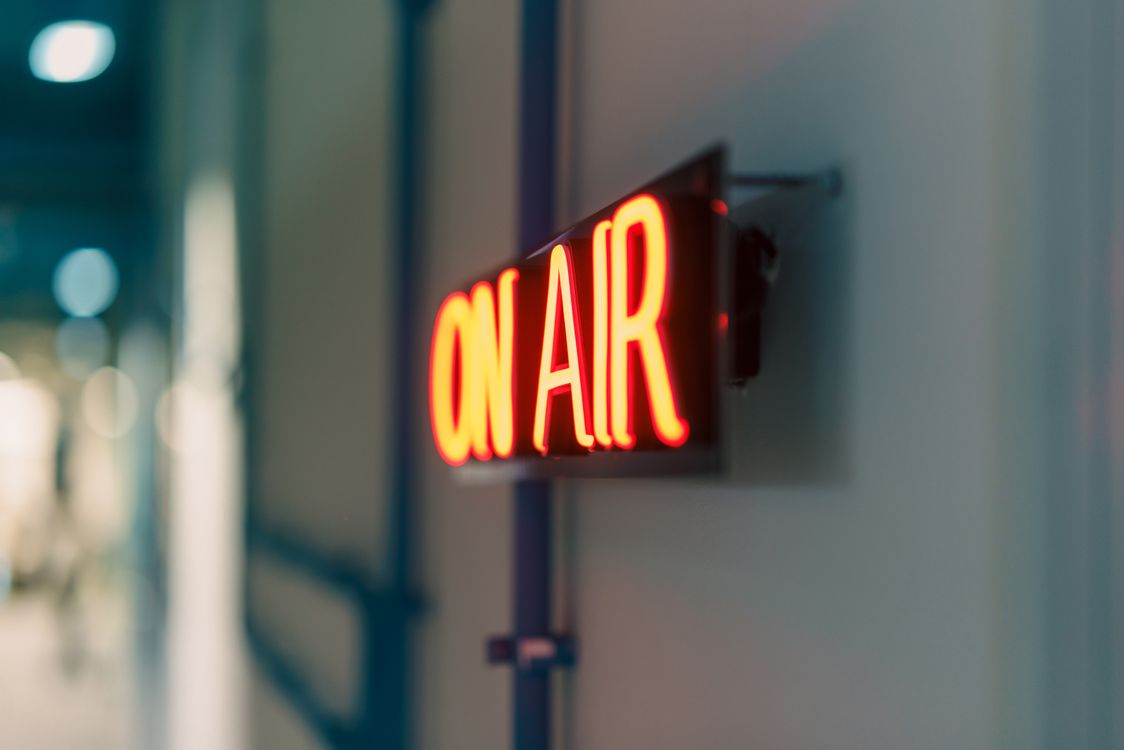
True live streaming is the real-time transmission of video and audio from a camera or encoder to an audience. What your camera captures at 2:00 PM is what your audience sees at 2:00 PM. However, a short technical delay of a few seconds to minutes occurs. This depends on your encoding protocol.
Live streaming is the correct choice when the event’s real-time nature is itself the product. A sporting event or a live Q&A depends entirely on the live format. Furthermore, a town hall where attendees submit questions in real time requires genuine real-time interaction. Furthermore, a product launch with audience voting requires genuine real-time interaction. The audience’s awareness that they are watching something happen right now is part of the experience.
The primary tradeoff is risk. Any technical failure — internet drop, encoder crash, or camera failure — affects the audience in real time. Therefore, live events carry inherent production vulnerability. The broadcaster has no ability to edit, pause, or correct mistakes once they go live. Furthermore, real-time broadcasting locks you to a specific date, time, and location, which complicates scheduling across time zones and creates logistical complexity for events that involve multiple speakers or complex production requirements.
What Is Simulive Streaming?
Simulive streaming combines “simulated” and “live” formats. Specifically, it is the process of broadcasting a pre-recorded video at a scheduled time. Consequently, it creates the experience of a live event while using previously recorded content. From the viewer’s perspective, the experience is indistinguishable from true live streaming: they see a live badge, live viewer counts, and real-time chat running alongside the stream. However, the broadcaster recorded and edited the content in advance.
The simulive format is fundamentally different from simply uploading a video to YouTube and making it public. A video upload generates no live signals, no notifications, and no sense of shared simultaneity. In contrast, a simulive broadcast triggers live event notifications and appears in live feeds. Consequently, it creates the algorithmic signals of a live event. Furthermore, the broadcaster retains full control over production quality.
According to research from ON24, a leading webinar platform, simulive webinars consistently achieve attendance rates comparable to true live events. Furthermore, they allow marketing teams to produce higher-quality content than most live broadcasts permit. This quality advantage is significant.
Live vs Simulive: Direct Feature Comparison
| Feature | Live Streaming | Simulive Streaming |
|---|---|---|
| Content timing | Captured and broadcast in real time | Pre-recorded, scheduled for future broadcast |
| Editing capability | None — mistakes broadcast live | Full — edit before scheduling |
| Technical risk | High (network, encoder, camera failure) | Low (broadcast-day dependency is minimal) |
| Time zone flexibility | Single fixed time | Schedule multiple broadcasts for different time zones |
| Recurring broadcasts | Requires re-broadcasting each time | Same recording can replay automatically on any schedule |
| Audience experience | Genuinely real-time | Indistinguishable from live for most viewers |
| Speaker availability | Required at broadcast time | Not required — can be elsewhere during broadcast |
| Content quality | Variable — depends on live performance | Consistent — edited to final quality before airing |
When to Choose True Live Streaming
Live streaming is the right choice when audience participation and real-time response are central to the event’s value. Specifically, choose live streaming for:
- Sporting events and competitions where outcomes are unknown in advance and viewer excitement depends on not knowing the result
- Live Q&A sessions where audience questions genuinely shape the content in real time
- Breaking news and announcements where the news value depends on immediacy
- Interactive product launches with live polling, real-time bidding, or audience participation
- Town halls and municipal meetings where legal requirements mandate genuine real-time public access
- Concerts and performances where the spontaneous, unrepeatable nature of the performance is part of the artistic experience
YoloCast supports all of these use cases. For government broadcasting requirements specifically, read our guide on affordable city council meeting live streaming.
When to Choose Simulive Streaming
Simulive is the right choice when content quality, scheduling flexibility, and broadcast reliability matter more than genuine real-time interaction. Choose simulive for:
- Webinars and online courses that run on a recurring schedule for new participant cohorts
- Corporate training programs that need to reach global employees across multiple time zones without requiring the trainer to present three times in one day
- Product demonstration broadcasts that benefit from precise editing and polished production before the audience sees them
- Recurring content series — devotional programs, weekly fitness classes, monthly cooking demonstrations — where the same high-quality content serves new audiences each cycle
- Conference sessions for multi-speaker virtual events where pre-recording individual sessions eliminates the coordination complexity of live multi-speaker broadcasting
For a detailed look at simulive as a primary content strategy, read our complete guide on how to broadcast pre-recorded video as live on your website.
How YoloCast Handles Both Live and Simulive
Most streaming platforms specialize in one format or the other. YoloCast supports both within the same dashboard, which means you can mix formats within a single content calendar without switching platforms or managing separate accounts.
True Live Streaming with YoloCast
Specifically, for genuine live broadcasts, connect your camera or encoder via RTMP to YoloCast’s ingest point. Configure your streaming destinations — your website’s embedded player, YouTube, Facebook, and up to 30 other platforms simultaneously — and go live when ready. YoloCast records your broadcast automatically to the Media Center. For technical setup details, see our guide on RTMP streaming setup.
Simulive Streaming with YoloCast Upload & Stream
YoloCast’s Upload & Stream feature is the platform’s dedicated simulive tool. Record your content in advance, export it as an MP4 file, and upload it to YoloCast’s Media Center. The Media Center supports up to 7TB of cloud storage. Therefore, even lengthy recordings upload without issue. Then schedule the recording to broadcast at your chosen date and time. YoloCast delivers it to all your configured destinations simultaneously. To viewers, it appears as a live broadcast — complete with live chat running alongside the stream. You can also set the event to recur automatically on a weekly or monthly schedule.
Hybrid Strategies: Combining Live and Simulive
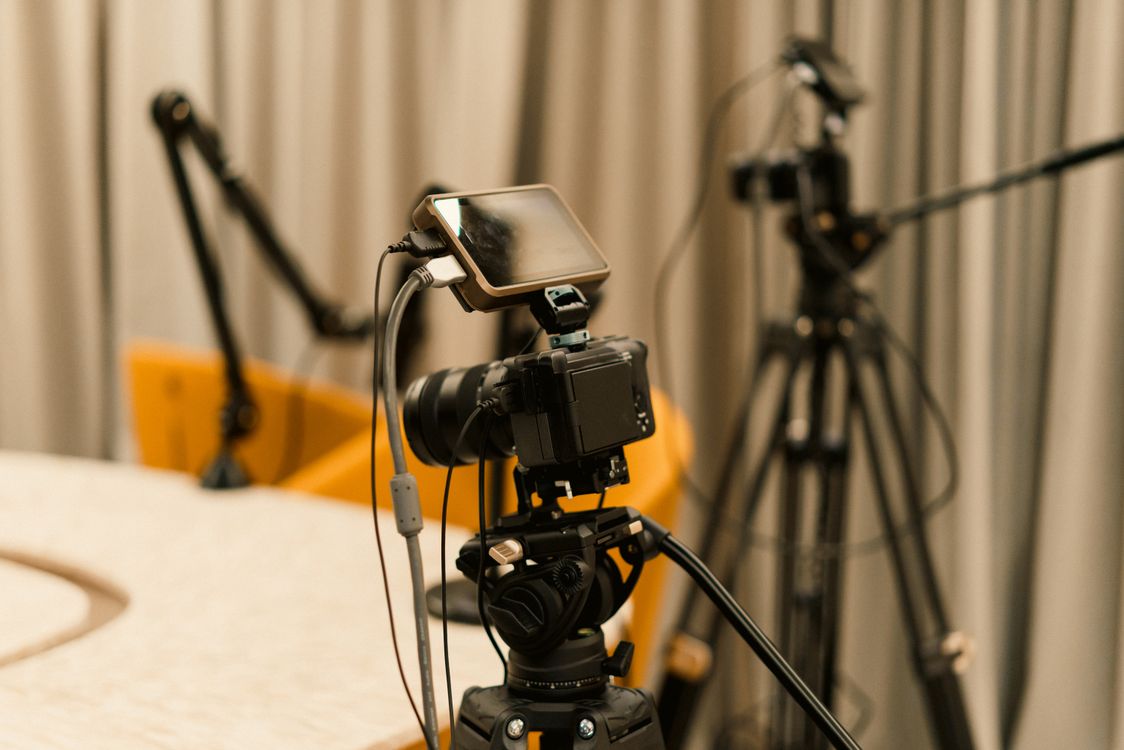
However, many of the most effective streaming programs combine both formats within the same event or content calendar. A common hybrid strategy is to open a live event with a pre-recorded introduction segment. Then transition to a genuine live Q&A or panel discussion. Finally, close with a pre-recorded product demonstration. Consequently, the audience experiences a polished, professional broadcast. The broadcaster delivers certain segments with guaranteed production quality. Furthermore, genuine interactivity is preserved where it matters most.
YoloCast supports this workflow within a single event by allowing you to switch between your RTMP live input and pre-scheduled Media Center content. This makes it possible to run a professional hybrid event without multiple platforms or complex switching infrastructure. For a complete overview of professional streaming strategies for organizations, read our B2B live streaming guide.
Comparing Platforms for Live and Simulive Streaming
| Platform | True Live | Simulive | Website Embed | Starting Price |
|---|---|---|---|---|
| YoloCast | ✓ | ✓ | ✓ | $19/mo |
| Dacast | ✓ | Limited | ✓ | ~$39/mo |
| Resi | ✓ | ✓ | ✓ | ~$99/mo+ |
| BoxCast | ✓ | ✓ | ✓ | ~$99/mo+ |
| Zoom | ✓ | Limited | ✗ | ~$15/mo |
Overall, YoloCast is the only platform in this comparison that delivers both true live and simulive streaming. It pairs these with website embedding at an accessible price point. Resi and BoxCast offer strong simulive support. However, they start at prices that exclude individual creators and small organizations. Zoom lacks website embedding entirely, and Dacast’s simulive capabilities are limited compared to YoloCast’s dedicated Upload & Stream feature.
Industry Adoption of Simulive Streaming
Simulive streaming has moved from a niche workaround to a mainstream production strategy. According to research from Gartner’s virtual events research, enterprise organizations increasingly rely on simulive formats for corporate training, product launches, and partner enablement events precisely because they eliminate broadcast-day risk without reducing audience engagement. Furthermore, event platforms report that simulive events achieve attendance rates comparable to genuinely live broadcasts — undermining the assumption that “recorded” content always generates lower engagement than live content.
The practical implication is that simulive is not a compromise. Instead, it is frequently the superior production choice for organizations that prioritize content quality, schedule flexibility, and broadcast reliability over spontaneous real-time delivery.
Frequently Asked Questions About Live vs Simulive Streaming
Can viewers tell the difference between a live and simulive broadcast?
In most cases, no. Specifically, simulive broadcasts include real-time live chat and live viewer counts. Simulive broadcasts include real-time live chat, live viewer counts, and live badges — all the engagement signals that viewers associate with live events. The pre-recorded nature of the content is not visible to viewers unless the broadcaster discloses it.
Can I run live Q&A alongside a simulive broadcast?
Yes. YoloCast’s simulive broadcasts include a live chat function that runs in real time alongside the pre-recorded stream. You (or a moderator) can monitor chat and respond to questions live while the pre-recorded content plays to the audience.
Does simulive streaming affect SEO or YouTube rankings compared to live streaming?
YouTube treats simulive broadcasts (scheduled premieres) similarly to genuine live events in terms of algorithmic signals — they generate live notifications, appear in live feeds, and create the engagement patterns of live content. The effect on search ranking is comparable to true live streaming for most use cases.
Is simulive streaming ethical?
Simulive streaming is a standard, widely used industry practice for webinars, corporate events, and educational content. Platforms like ON24, YoloCast, BoxCast, and Resi all offer it as a feature. Many broadcasters disclose the simulive format in their event marketing, while others do not — the choice is a branding decision, not a deceptive one, when the content itself remains genuine and accurate.
Choose the Right Format — or Use Both
The live vs simulive streaming decision is not binary. The most effective streaming programs use each format where it performs best: live for genuinely interactive, time-sensitive events; simulive for recurring, globally accessible, high-production content. YoloCast supports both within the same platform, the same dashboard, and the same embedded player on your website — starting at $19/month with a free 14-day trial and no credit card required.
For the complete guide to embedding your stream on your own website, read our guide on HTML5 live streaming player embed on website.
Start your free 14-day YoloCast trial and run your first live or simulive event today →
2,452 total views, 7 views today

Betty,As a Customer Success Specialist at YoloLiv, she is passionate about helping users understand YoloCast’s features and resolve day-to-day usage challenges. In addition to hands-on support, she creates practical articles that share tips, troubleshooting guidance, and best practices to help users get more value from YoloCast.
