YoloBox
YoloCam
YoloCast
Solutions
Resources
FAQs


Pay-Per-View with YoloCast
Turn your live events, replays and playlists into paid viewing experiences
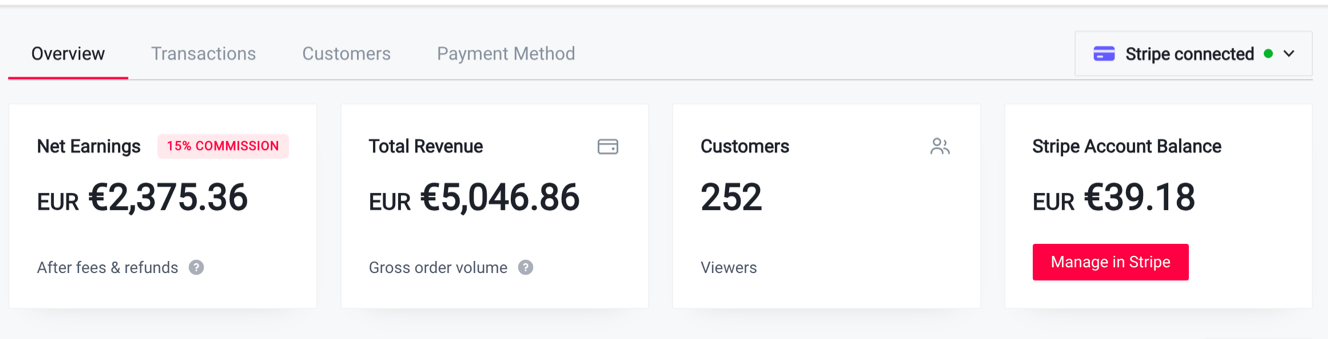
Set a price, choose how long viewers can watch, and share a paid viewing page with your audience. Use YoloCast to manage access, collect payments through your connected Stripe account, and review viewing and sales results.
A paid YoloCast plan is required for standard PPV use. Your plan’s PPV fees, features and usage allowances apply. The beta offer is separate.
 LIVE
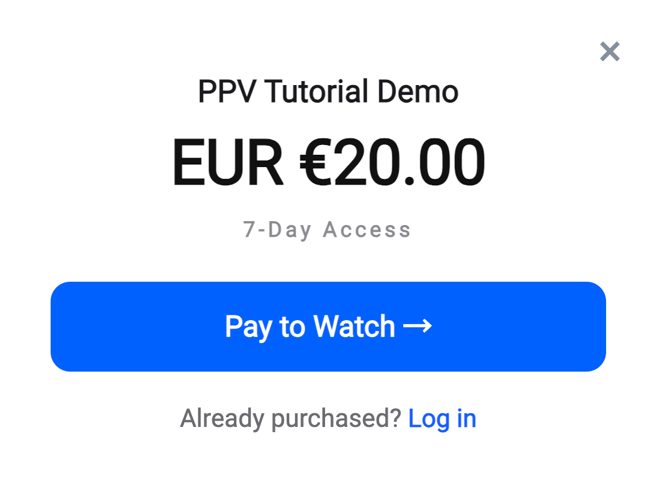
Choose what your audience pays to watch
Offer paid access to the content you create, with a viewing period that fits your event and audience.
Live events
Sell access to a live sports event, performance, workshop or other ticketed broadcast.
Replays
Let buyers return to the replay within the access period set for their purchase.
Entire playlists
Make a whole playlist available through paid access, so viewers can watch the content included in that playlist.
Set the viewing experience that works for your content
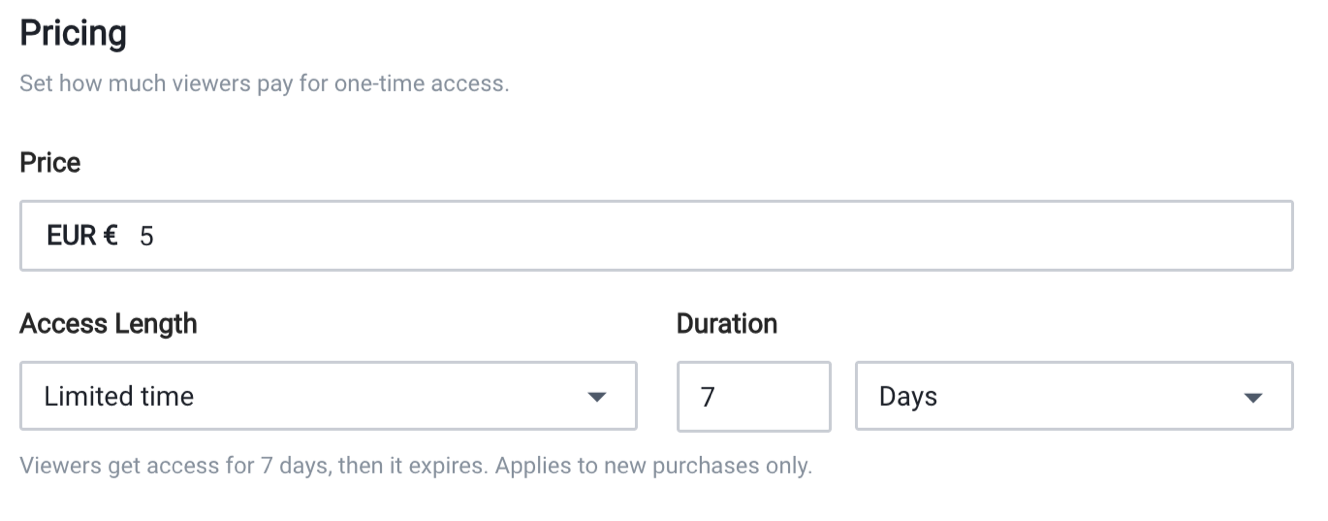
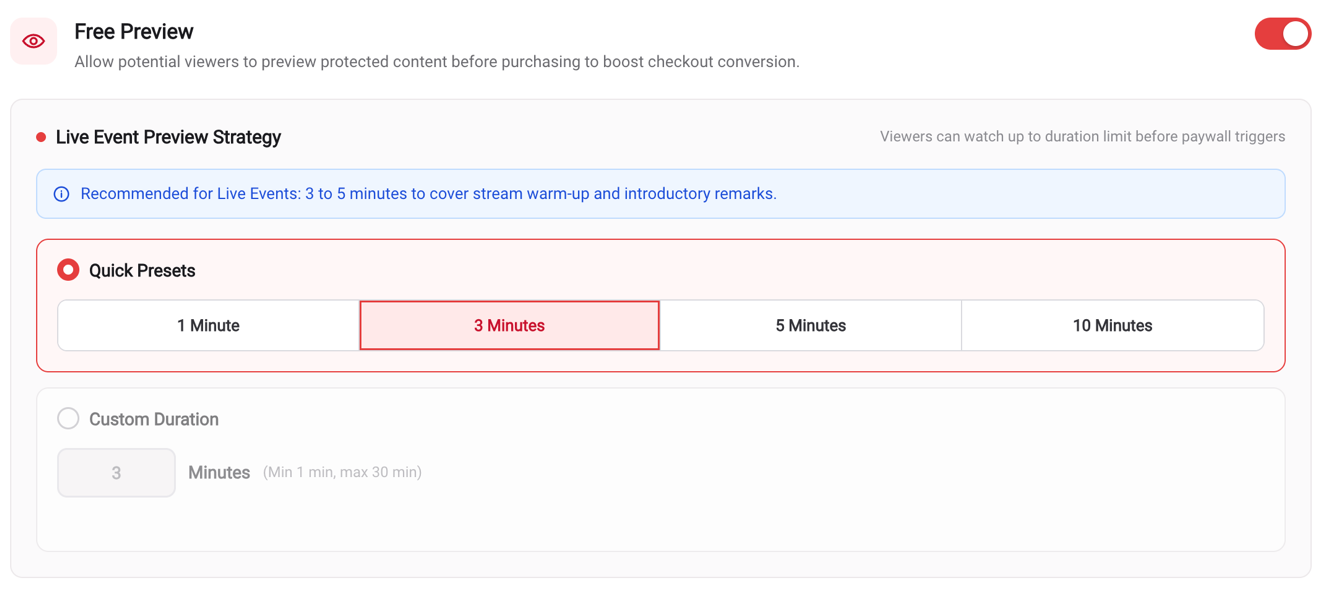
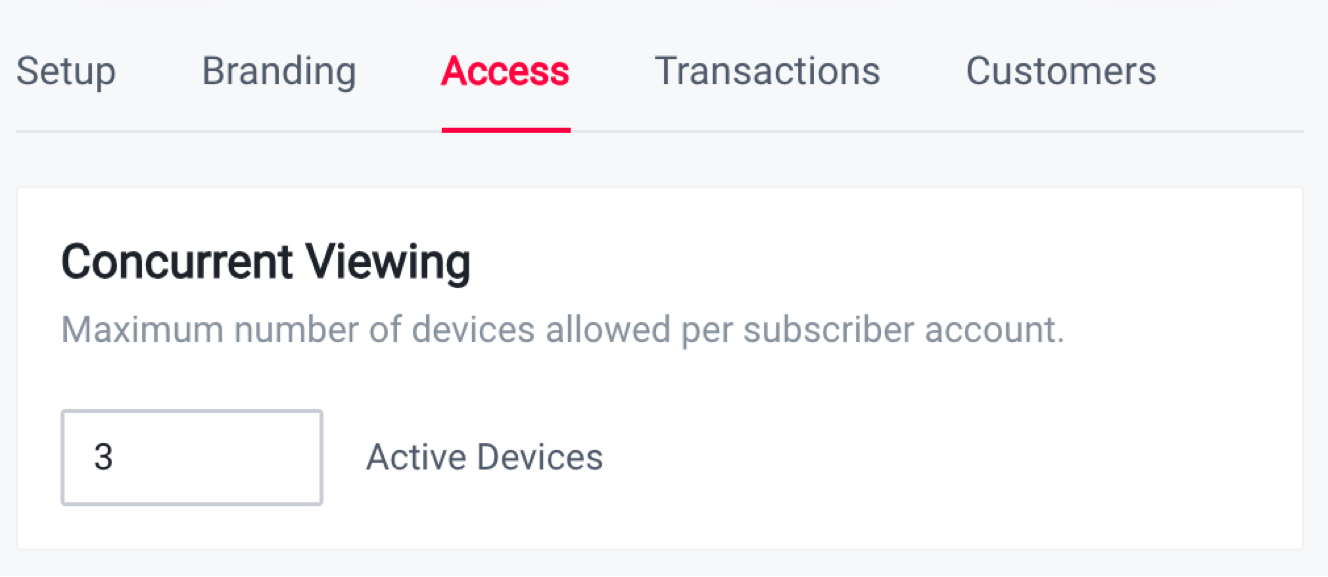
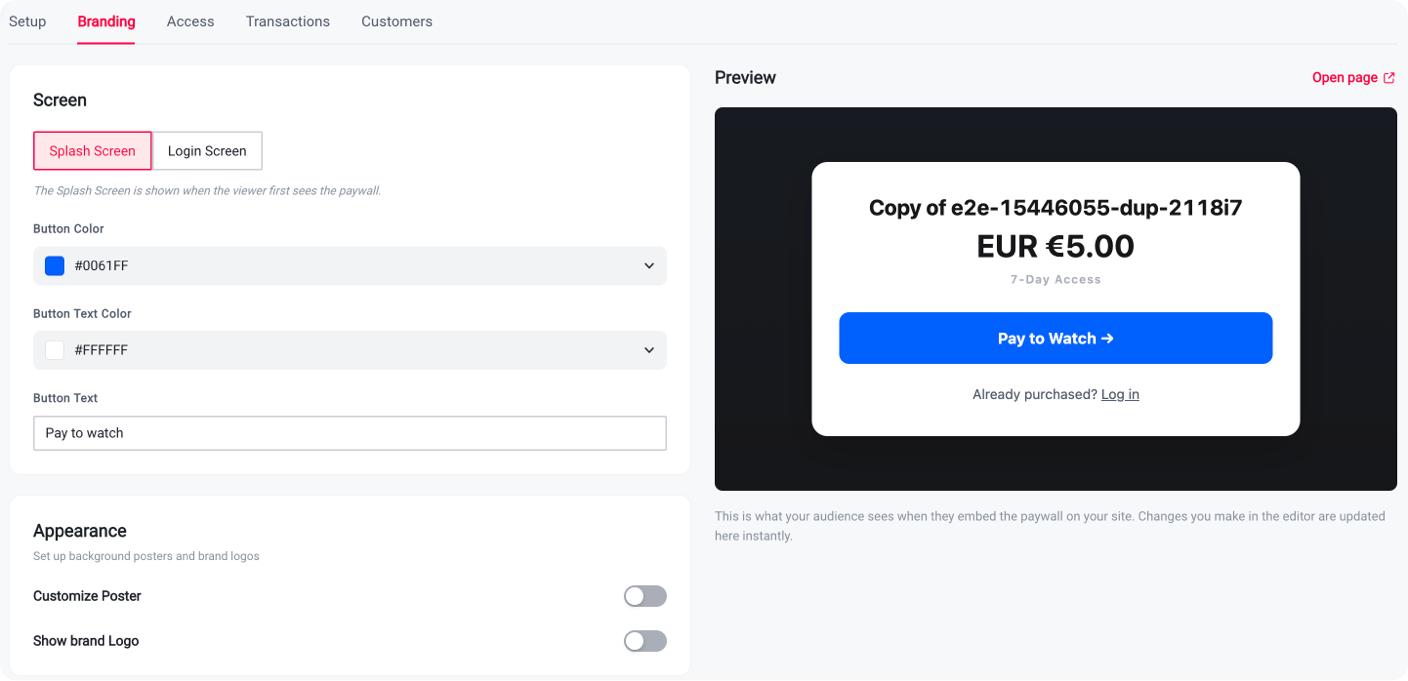
Set the price and access period
Choose the price and a limited viewing period. Access starts when payment succeeds, so allow enough time for the live event and any replay you intend to offer.
From setup to paid viewing
- 1
Prepare your account and payments
Choose a paid YoloCast plan, connect Stripe, and complete any required verification before selling.
- 2
Set up your paid content
Create your event or choose the playlist you want to offer. Configure the paywall, price and access period, then check the viewer experience.
- 3
Share and review
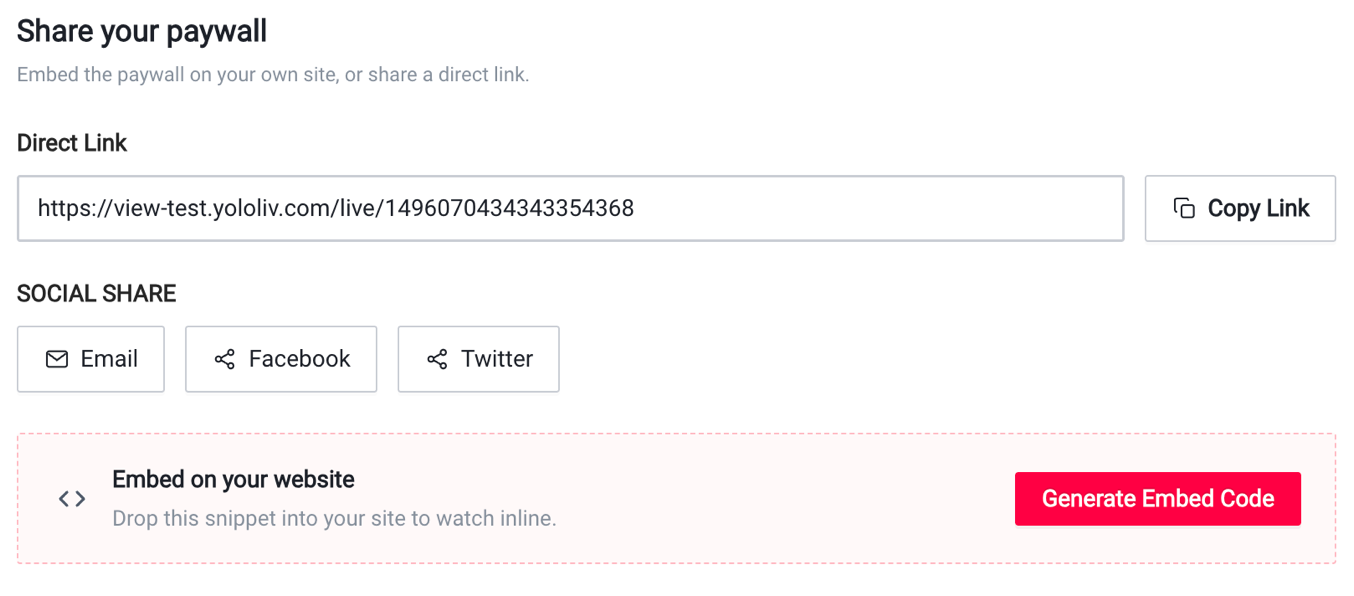
Share your viewing link or embed the player. Review orders, viewing and sales results in YoloCast.
Check your plan before you sell
- Standard PPV use requires a paid YoloCast plan.
- Review Pricing for the PPV fees, features and usage allowances included in your plan.
- Stripe processing fees also apply.
- Beta benefits are separate and apply only to confirmed participants.
Ready to offer paid access?
Create your YoloCast account, choose a paid plan and follow the PPV Guide to prepare your first paid viewing experience.
Interested in the PPV beta offer? See the PPV Guide for application details. Apply by 31 December 2026 (Beijing time). Beta benefits apply only after our team confirms participation.
- YoloBox
- YoloBox Pro
- YoloBox Mini
- YoloBox Ultra
- YoloBox Extreme
- Instream
- VertiCam
- YoloCast
- YoloMax
- Overlay Lab
Products
- Live Selling
- Sports
- Weddings
- Church
- Videographer
- Education
Solutions
- Blog
- Customer Stories
- Marketing Kit
- Version History
- What's New (YoloCast)
- EU Shipping Documents
Resources
- About Us
- Careers
- Events & Shows
- Contact Us
Company
- YoloBox
- YoloBox Pro
- YoloBox Mini
- YoloBox Ultra
- YoloBox Extreme
- Instream
- VertiCam
- YoloCast
- YoloMax
- Overlay Lab
Products
- Live Selling
- Sports
- Weddings
- Church
- Videographer
- Education
Solutions
- Blog
- Customer Stories
- Marketing Kit
- Version History
- What's New (YoloCast)
- EU Shipping Documents
Resources
- About Us
- Careers
- Events & Shows
- Contact Us